HIPAA-compliant document workflows for healthcare
Every document journey, orchestrated
DocJS routes multi-party PDF forms between patients, providers, staff, and hub agents — with digital signatures, electronic prescriptions, multi-channel notifications, and a complete audit trail.
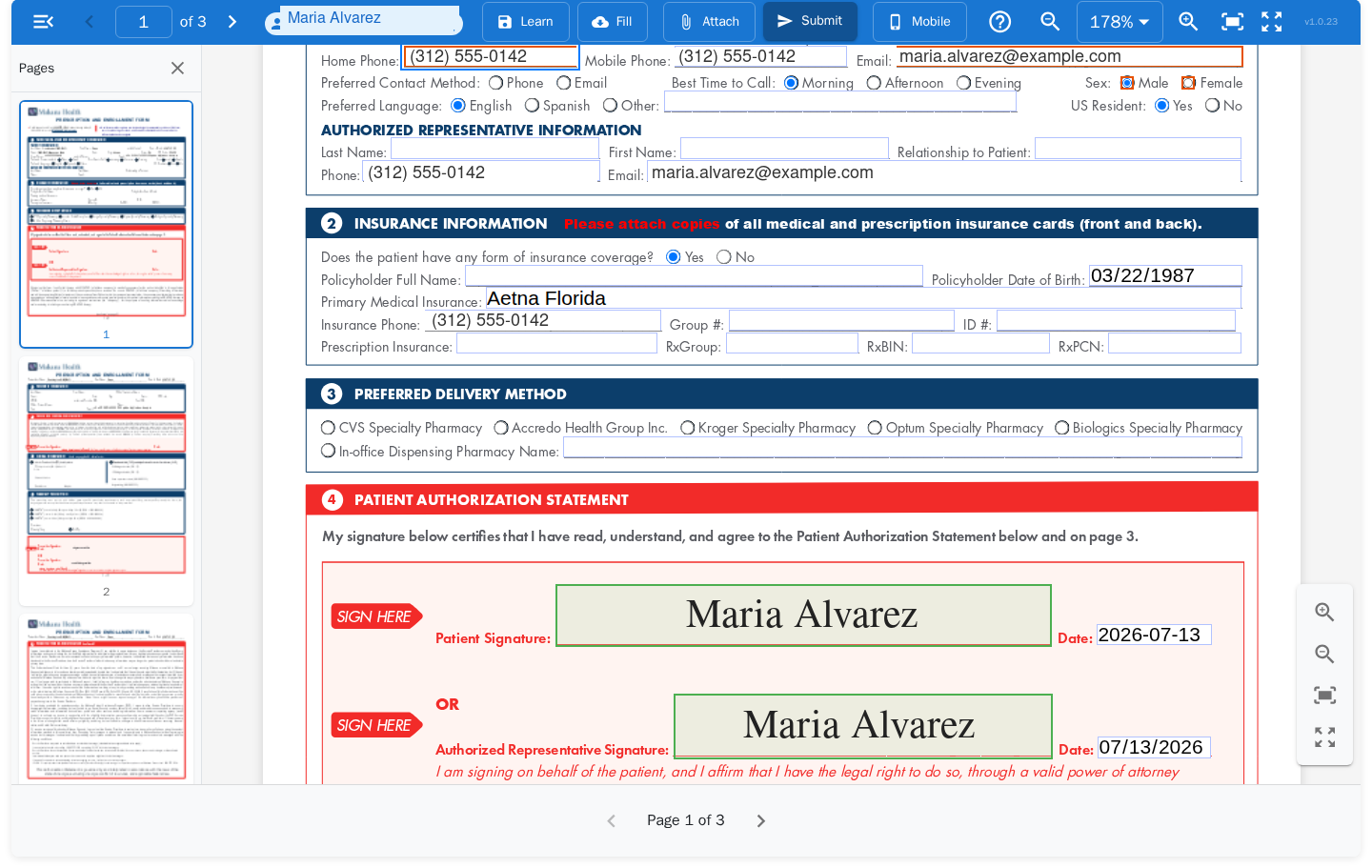
Patient step · sample enrollment journey · fictitious data
One platform, both sides of the form
Coordinators design and monitor journeys in Admin. Participants complete them anywhere — no accounts, no downloads.
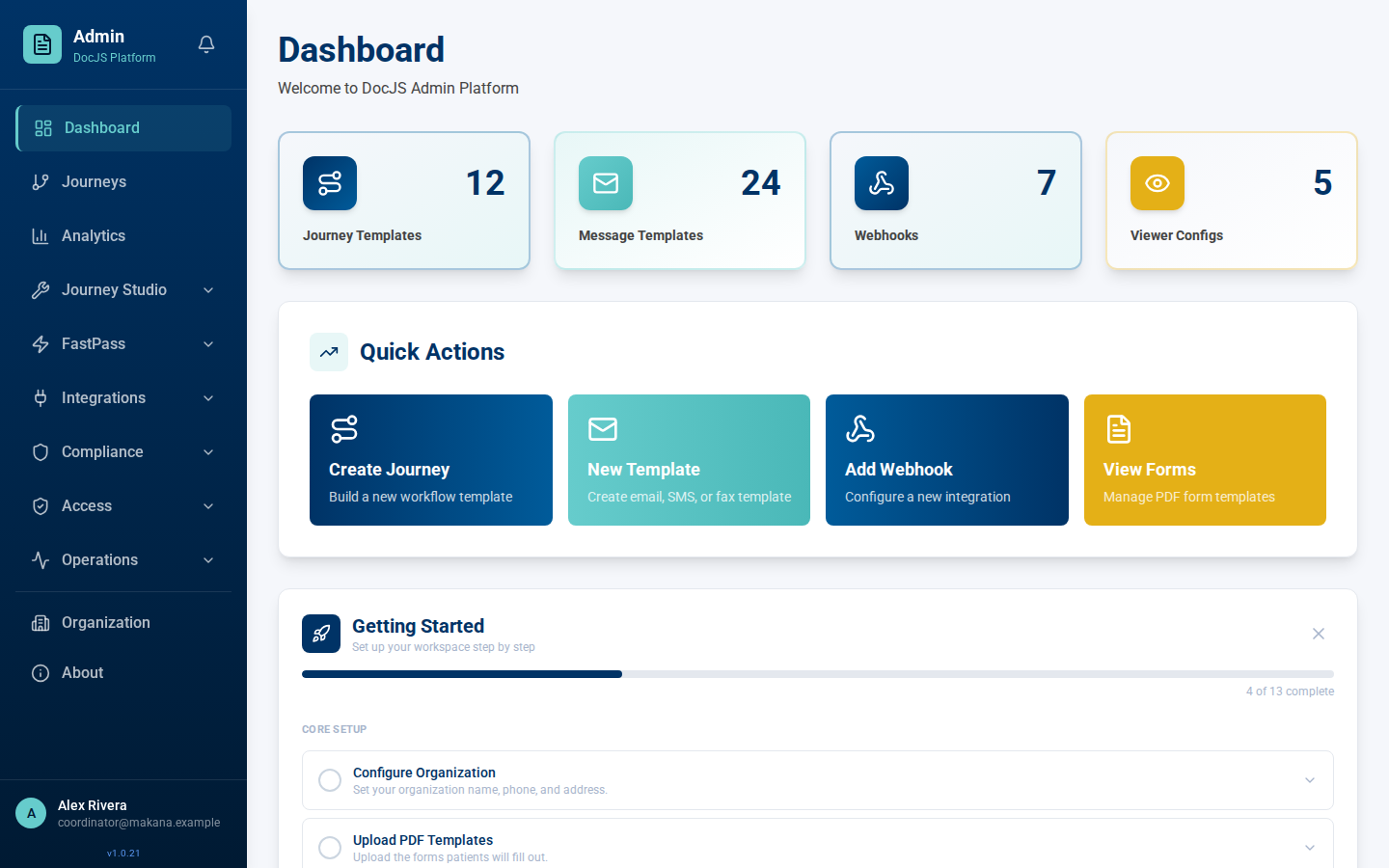
Admin
Design journey templates, assign PDF fields to roles, and manage everything from one console.
- Visual journey builder — steps, roles, notifications, and webhooks in one workflow
- Email, SMS, and fax templates with per-role delivery and coversheet design
- Analytics, live journey tracking, prescriber management, and role-based access
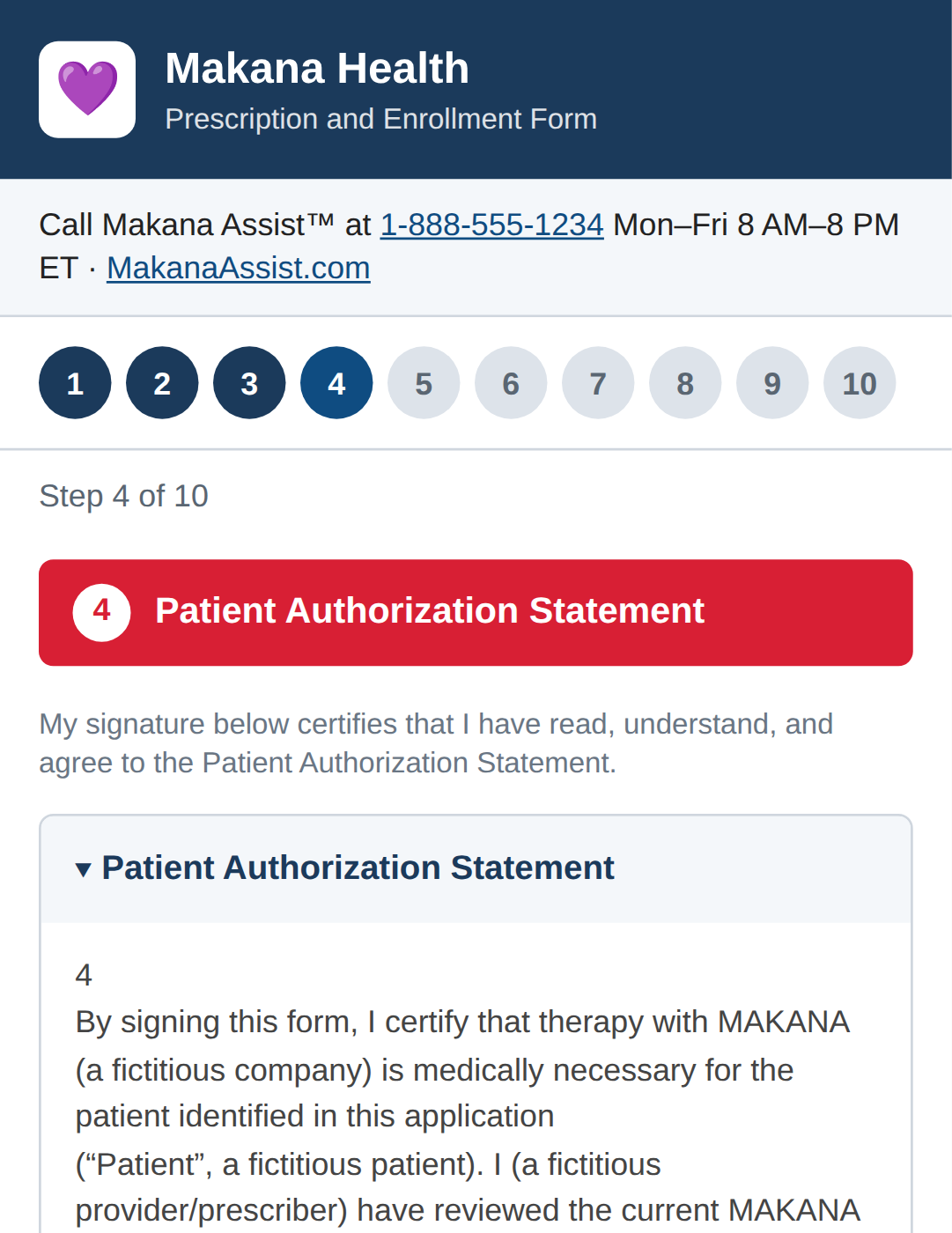
The participant experience
Each participant gets a secure magic link to exactly the fields that belong to them.
- Guided mobile wizard or full desktop PDF viewer — same journey, either device
- Typed and drawn signatures, camera-photo attachments, and consent capture built in
- Passwordless access — no portals to register for, no apps to install
From PDF to completed, audited journey
- 1
Design the journey
Upload a PDF, assign fields to roles — patient, prescriber, staff, hub agent — and define the steps, notifications, and integrations in the journey builder.
- 2
Launch and route
Each participant receives a magic link by email or SMS when it's their turn. They complete their fields, sign, attach documents, and the journey moves on automatically.
- 3
Deliver and track
Completed documents go out by email, fax, or webhook — to pharmacies, hubs, or your own systems — while analytics and audit PDFs record every interaction.
Built for healthcare from day one
Consent, identity, and delivery aren't add-ons — they're how every journey runs.
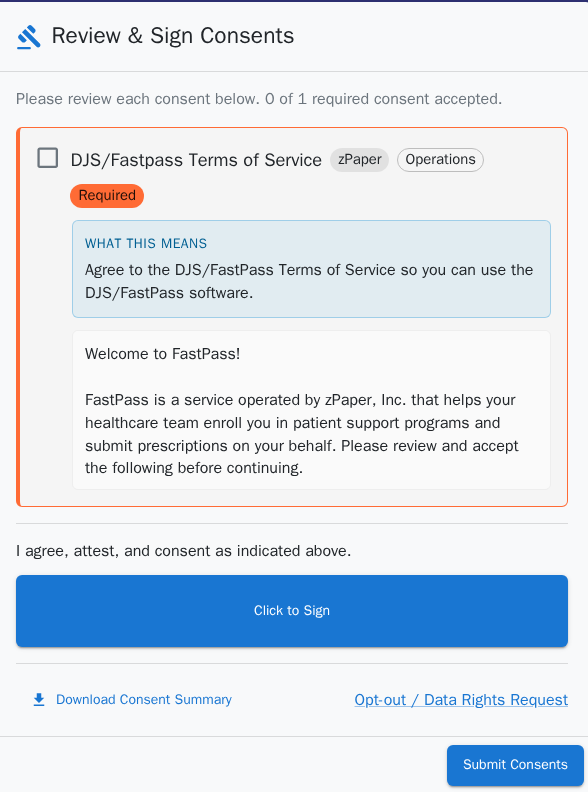
Consent & compliance
Participants review and sign required consents before they touch a form. Every acceptance is recorded, downloadable, and paired with opt-out and data-rights requests.
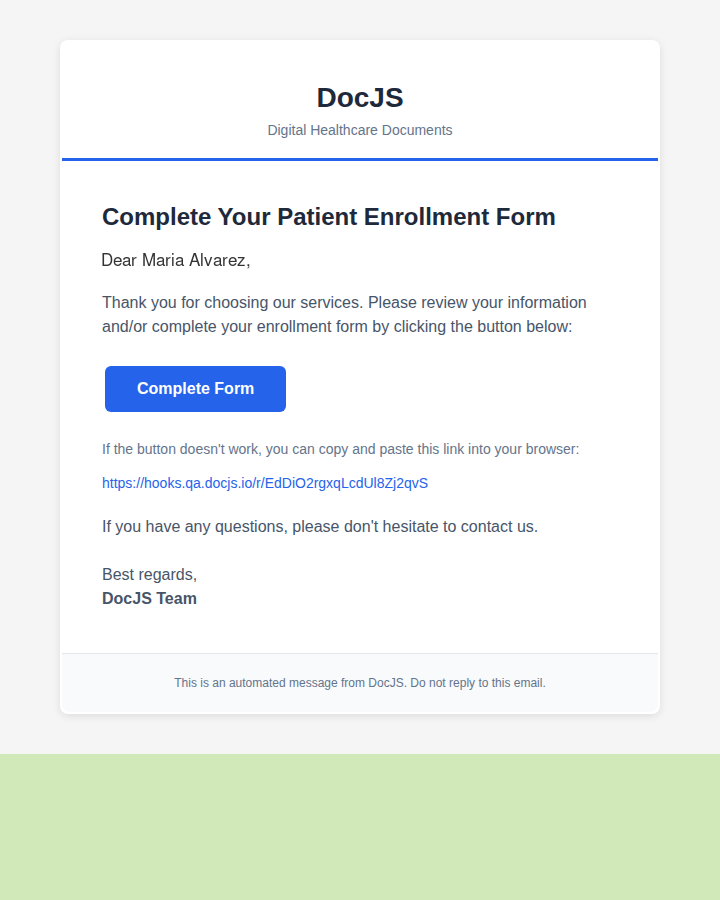
Multi-channel delivery
Magic-link emails, SMS, outbound fax with designed coversheets, and webhooks — each step notifies the right person on the channel they actually use.
Every step leaves a record
One journey, as your compliance team sees it.
Everything a document journey needs
Assign PDF fields to patients, prescribers, staff, or hub agents — each participant sees only their part.
eRx through Photon Health, with drug templates and prescriber management built in.
Templated notifications on every channel, including designed fax coversheets and inbound fax handling.
Secure, passwordless links for participants — no accounts or passwords to manage.
Fire journey events into your systems, and drive DocJS programmatically with API keys.
Audit PDFs, event logs, and data-rights tooling keep the complete compliance trail.
See DocJS on your forms
Send us a form you route by hand today, and we'll show you the same journey running in DocJS.
or write to support@docjs.io